

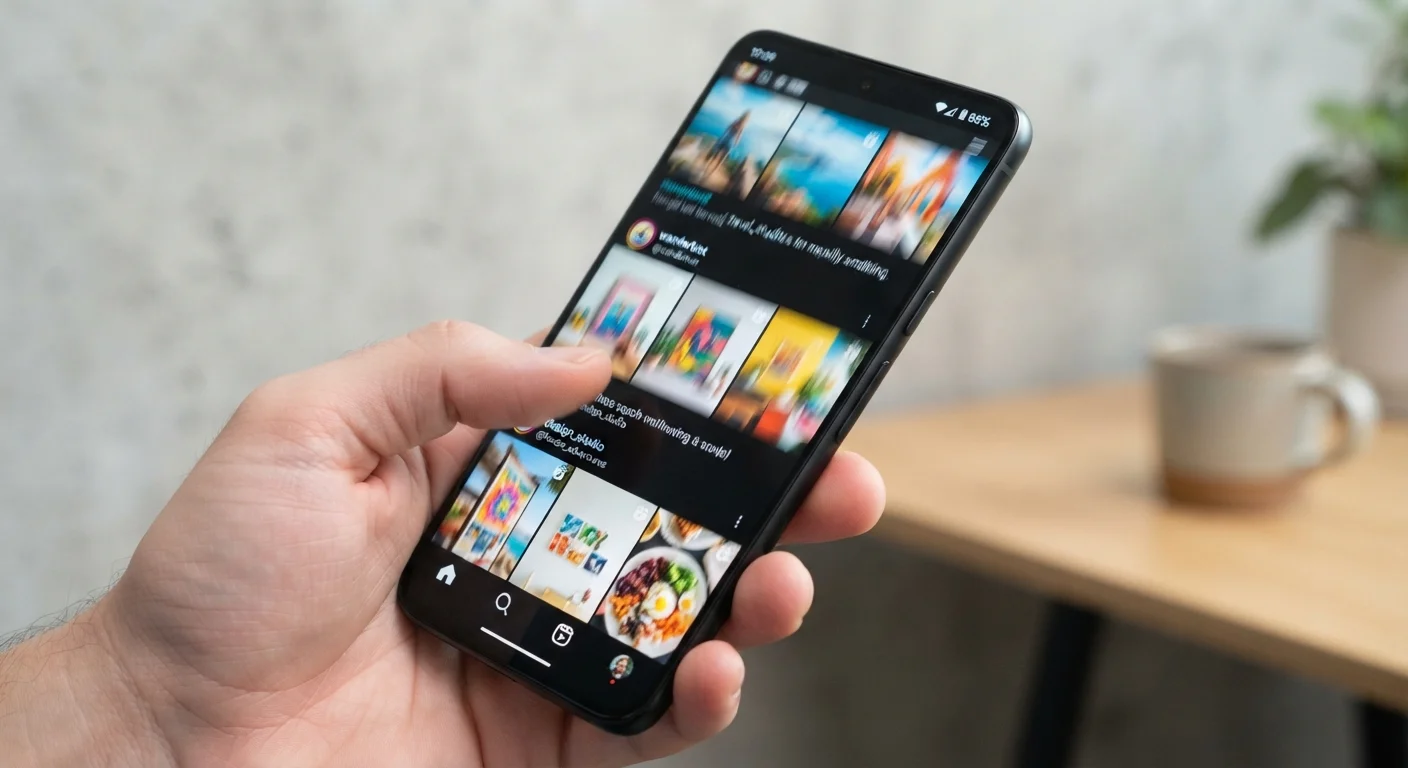
Why Refresh Rate Feels Like a Big Deal
When you swipe through a social feed and the content glides without any judder or blur, that smoothness isn't accidental - it's largely the result of a high refresh rate. When the same gesture feels slightly sticky or choppy on a different phone, a lower refresh rate is often why.
The effect is most obvious during fast interactions: scrolling through long pages, swiping between apps, or playing a mobile game with quick on-screen movement. In those moments, the brain perceives a higher-Hz display as more natural and responsive, even if users can't always articulate exactly what feels different.
For a broader look at how display specs fit into the full picture of phone hardware, see The Complete Guide to Understanding Smartphone Specs.
60 Hz
Standard refresh rate on most budget and mid-range phones
60 Hz has been the display industry baseline for smartphones for over a decade and remains common across entry-level and mid-range devices.
120 Hz
Refresh rate now common on higher-end smartphones
120 Hz panels have become a widely adopted feature in the higher-end smartphone segment, with some manufacturers extending it to mid-range lines.
2×
More screen redraws per second at 120 Hz vs. 60 Hz
Doubling the refresh rate means the display processor performs twice as many image updates each second, which increases power consumption accordingly.
How the Numbers Break Down in Practice
Most phones on the market today fall into one of a few refresh rate categories:
- 60 Hz: The longstanding standard. Redraws 60 frames per second. Smooth enough for reading, social browsing, video calls, and most streaming.
- 90 Hz: A middle ground found on many mid-range devices. Noticeably more fluid than 60 Hz for everyday use without a major battery penalty.
- 120 Hz: Common on higher-end phones. Delivers clearly smoother scrolling and animations that most users can perceive when switching from 60 Hz.
- 144 Hz and above: Primarily targeted at mobile gaming, where the additional smoothness can benefit fast reaction-based gameplay.
The practical gap between 60 Hz and 120 Hz is perceptible to most people. The gap between 120 Hz and 144 Hz is less obvious during everyday tasks and is mainly relevant to competitive gaming contexts.
The Battery Trade-Off You Should Know
A screen refreshing 120 times per second is doing twice the work of a 60 Hz panel - and that work costs power. Running a high refresh rate continuously can meaningfully reduce how long a charge lasts. This is why adaptive refresh rate technology matters: the display scales down when content is static (a lock screen, a paused page) and scales up when motion demands it.
If battery longevity is a priority, most phones with 90 Hz or 120 Hz displays allow you to lock the setting to 60 Hz in the display options. The full breakdown of what drains phone batteries covers screen settings alongside other major power draws worth managing.
Try Lowering Refresh Rate to Save Battery
If your phone supports 90 Hz or 120 Hz but you're not gaming or doing graphics-intensive tasks, switching to a lower refresh rate setting in Display Settings can extend your battery life noticeably. Many users find 60 Hz perfectly comfortable for reading, messaging, and streaming, where the difference is hardest to detect.
Refresh Rate vs. Other Display Qualities
Refresh rate is one spec among several that shape how a screen actually looks and feels. Resolution determines pixel sharpness. Panel type - OLED versus LCD, for instance - affects color accuracy, contrast, and black levels. Brightness determines how visible the screen is outdoors. Peak refresh rate tells you nothing about any of those qualities.
A phone can have a 120 Hz display with mediocre color reproduction and a 60 Hz display that looks stunning in every other way. Treating Hz as the single most important screen metric leads to an incomplete picture. For context on how the same trade-offs apply to larger screens, our guide to monitor specs walks through the same considerations for desktop displays.
Content Frame Rate Still Matters
Even on a 120 Hz screen, a video shot at 30 frames per second will still look like 30 fps video. The display can only show what the source provides - it doesn't interpolate or manufacture extra frames the way some TV motion-smoothing features do. Refresh rate and content frame rate are separate concepts that both contribute to how motion looks on screen.
Frequently Asked Questions
Not necessarily. Higher refresh rates deliver smoother motion, which is valuable for gaming and fast scrolling, but they also draw more power. For users who mainly browse, read, or make calls, the difference between 60 Hz and 120 Hz may be less noticeable than the battery impact.
Adaptive refresh rate (sometimes called LTPO) allows the display to automatically lower its Hz when showing static content - like a still photo - and raise it during fast motion. This balances smoothness with battery efficiency rather than running at full speed constantly.
Refresh rate affects how smoothly video motion appears on screen, but it doesn't change the video's resolution or color quality. Most streaming content is produced at 24, 30, or 60 frames per second, so a 120 Hz screen won't add frames that weren't originally there.
Many phones let you choose between refresh rate settings in the Display section of Settings. Options vary by model, but common choices include a standard mode (typically 60 Hz) and a higher or adaptive mode. Check your device's display settings to see what's available.
Resolution describes the number of pixels packed into the display - affecting sharpness and detail. Refresh rate describes how often those pixels are updated per second - affecting motion smoothness. They're independent qualities. See <a href="/technology/smartphones-tablets/a-plain-language-glossary-of-smartphone-terms">our smartphone terms glossary</a> for more display definitions.
The content on this site is for informational purposes only and is not a substitute for professional advice. Always consult a qualified professional for guidance specific to your situation.