

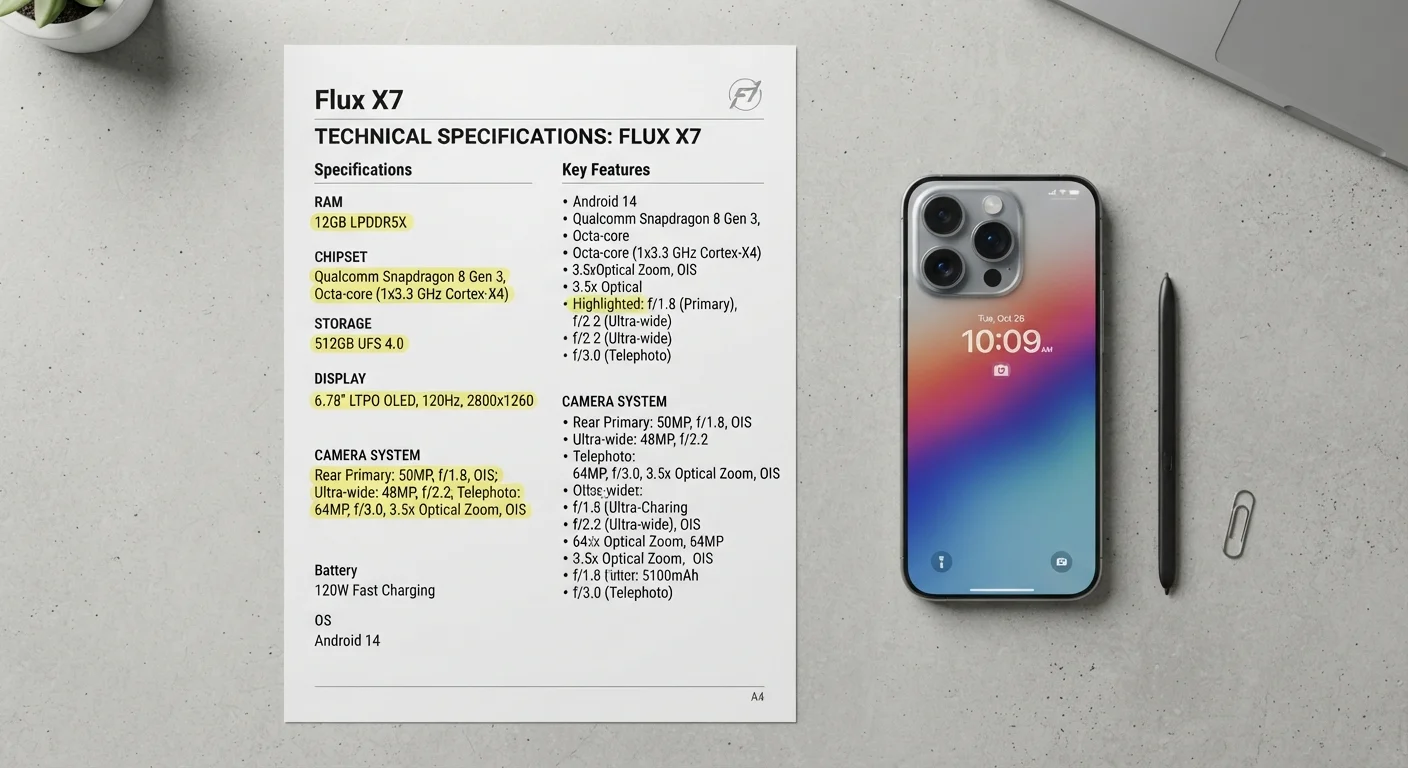
Why Specs Matter (and When They Don't)
Spec sheets are the scorecards manufacturers publish for every smartphone - rows of numbers covering processors, cameras, memory, and displays. They're genuinely useful, but only if you know what each figure actually describes in daily use.
The core problem is that specs measure isolated capabilities, not how well those capabilities work together. A phone with impressive individual numbers can still feel sluggish if software is poorly optimized. Conversely, a phone with modest specs but excellent engineering can outperform rivals on paper. Think of specs as a starting point, not a verdict.
For a broader look at how this challenge appears across device categories, see our guide on what spec sheets don't tell you about laptops. And if you're new to smartphones entirely, our first-week guide for new smartphone users covers the practical essentials alongside the technical ones.
12GB+
RAM common in flagship smartphones
While 6-8GB handles most everyday use, flagship-tier phones routinely ship with 12GB or more RAM to support advanced multitasking and gaming.
120Hz
High refresh rate now in mid-range phones
Display refresh rates of 90Hz and 120Hz, once exclusive to premium devices, are now widely available across mid-range smartphone tiers.
f/1.5
Widest smartphone apertures available
Some flagship camera systems use apertures as wide as f/1.5, significantly improving low-light capture compared to typical f/2.0-f/2.4 lenses.
RAM and Processing Power
RAM (Random Access Memory) is the short-term workspace your phone uses to keep apps running and ready to switch between. More RAM generally allows more apps to stay active simultaneously without needing to reload. For most users, 6-8GB handles everyday tasks comfortably. Heavy multitaskers or those running demanding apps may notice a difference with 12GB or more - though the benefit diminishes past a point determined mostly by software.
The chipset (also called a processor or SoC - System on a Chip) is the phone's engine. Numbers like clock speed (measured in GHz) give a partial picture, but the chip's architecture and generation matter more. A newer chip generation typically brings better efficiency - doing more work while consuming less battery - alongside improved graphics and AI processing capabilities.
When comparing processors, look up the chip's generation name alongside its clock speed - a newer mid-tier chip often beats an older flagship chip in efficiency and real-world performance.
Clock speed alone (GHz) doesn't reflect architectural improvements that newer chip generations bring, including better AI processing and power management.
Test a display in-person under varied lighting before relying on resolution specs - peak brightness (measured in nits) is a more telling indicator of outdoor usability.
Resolution differences are subtle at typical viewing distances, but a display that washes out in sunlight creates daily frustration that no spec sheet number predicts.
For a deeper comparison of how these specs translate on computers, our article on RAM, storage, and processing power for computers provides useful parallel context.
Storage: Internal Capacity Explained
Internal storage is where your apps, photos, videos, and files live permanently. Spec sheets list figures like 128GB or 256GB, but the usable capacity is always lower - the operating system and pre-installed software typically consume 10-20GB before you add anything.
Check Usable Storage, Not Just Listed Storage
Before purchasing, look up real-world storage tests for the specific model you're considering. A device listed at 128GB may offer only 105-110GB of usable space. If you store a lot of video locally, this gap matters significantly.
Unlike RAM, storage doesn't directly affect performance speed - but running very low on space can slow a phone down, since the operating system needs free room to manage temporary files and updates. As a general rule, aim to keep at least 10-15% of total storage free.
Some phones support expandable storage via microSD cards; many do not. If you rely heavily on local media or offline content, verifiable storage expandability is worth confirming before you commit to a device.
Display Specs: Resolution, Refresh Rate, and Panel Type
Three display specifications meaningfully affect everyday experience:
- Resolution determines sharpness. Full HD+ (1080p) is sharp enough for most screen sizes. Beyond that, the visual difference is subtle for most users under typical viewing distances.
- Refresh rate, measured in Hz, controls how many times per second the screen updates. A 120Hz display scrolls and animates more fluidly than a 60Hz display - a difference most people can perceive immediately. Some phones use adaptive refresh rates that scale up or down to conserve battery.
- Panel type - OLED or LCD - affects color accuracy, contrast, and power efficiency. OLED panels produce true blacks because individual pixels turn off completely, which also saves battery when displaying dark content.
“A display's refresh rate is one of the first things users notice after switching phones - it creates an immediate, tactile sense of quality that pure resolution numbers rarely deliver.”
— Display Technology Research Desk, Consumer electronics analysis division
For definitions of display terms like HDR and color gamut, our plain-language glossary of smartphone terms offers clear explanations.
Camera Specs Decoded
Camera specs are among the most misunderstood figures on any spec sheet. Megapixels measure how many pixels a sensor captures, but higher megapixel counts don't automatically produce better photos. Sensor size, aperture, and the phone's image processing software collectively matter more.
Aperture, written as an f-number (e.g., f/1.8), describes how wide the lens opens to gather light. A lower f-number means a wider aperture - more light reaches the sensor, which is especially valuable in low-light conditions. A phone with a 12MP sensor and f/1.6 aperture will typically outperform a 50MP camera with f/2.4 in dim environments.
Multiple rear cameras - wide, ultrawide, telephoto - each have their own sensor and aperture. Optical zoom (using a telephoto lens) preserves quality; digital zoom simply crops and enlarges the image, reducing sharpness.
Don't Rely on Camera Specs Alone
Manufacturers sometimes advertise interpolated or combined megapixel figures that don't reflect a single sensor's true output. Always look for independent camera samples and reviews alongside spec comparisons. A spec-sheet megapixel number is one of the least reliable standalone predictors of photo quality.
To explore camera settings that go beyond the spec sheet, see our guide to smartphone camera settings most people never touch.
Battery and Charging Specs
Battery capacity is measured in milliamp-hours (mAh). Larger numbers mean more stored energy, but actual battery life depends on display size, refresh rate, chipset efficiency, and your usage patterns. A phone with a smaller mAh rating but a highly efficient chipset and OLED display can outlast a phone with a larger battery and less efficient components.
Charging speed, measured in watts (W), tells you how quickly the battery can accept power. Higher wattage means faster refills - though the charger included with the phone (when one is included) must support the same standard for the speed to be realized. Wireless charging and reverse wireless charging capabilities are worth noting separately, as their wattage ratings are usually lower than wired speeds.
For a complete reference on terminology you'll encounter across all smartphone spec categories, visit our smartphone terms glossary. And for help decoding specs on other product categories, reading product specifications without getting lost in the numbers is a practical companion resource.
Specs Reflect Potential, Not Guaranteed Performance
Every figure on a spec sheet describes a maximum or theoretical capability measured under controlled conditions. Real-world performance - including battery life, camera output, and app speed - varies based on software, network conditions, temperature, and individual usage habits. Use specs to compare and narrow options, but treat hands-on reviews and user feedback as equally important inputs.
The content on this site is for informational purposes only and is not a substitute for professional advice. Always consult a qualified professional for guidance specific to your situation.