

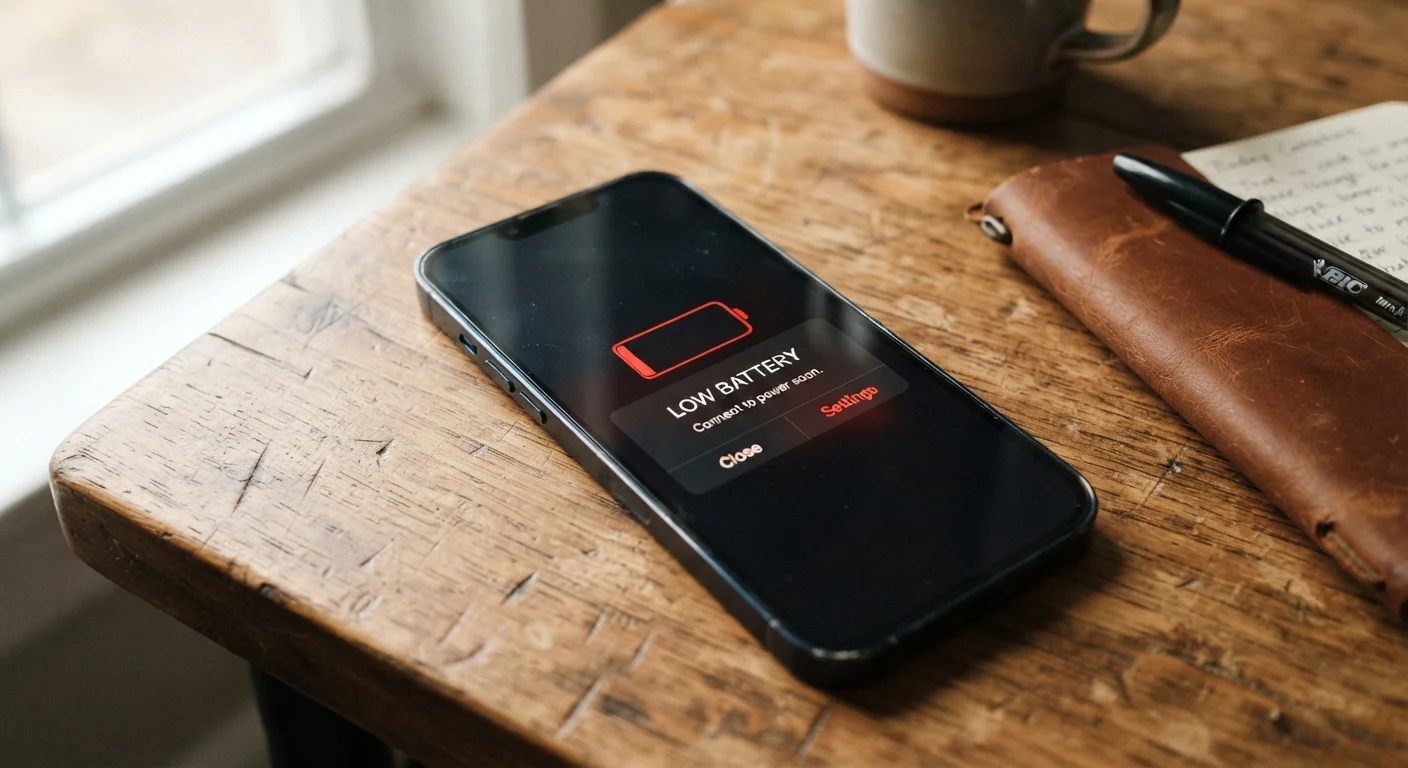
Why Batteries Drain Faster Than They Should
If your phone rarely makes it to evening without hitting the red zone, the culprit usually isn't a faulty battery - it's a combination of settings and habits quietly working against you. Modern smartphones balance powerful processors, always-on radios, and bright displays, all competing for the same limited power source. Understanding what's actually drawing current gives you real leverage over the problem.
Battery drain isn't one issue. It's a stack of smaller ones. The good news: most of them are easy to address once you know where to look. Below are the most common mistakes users make - and what to do instead.
Leaving background app refresh enabled for every app installed on the phone.
Why it happens: Background app refresh is typically turned on by default, and most users never revisit it after initial setup. It feels invisible because apps appear to just stay current.
Granting always-on location access to apps that don't need it continuously.
Why it happens: During app installation, location permission prompts are easy to accept without reading carefully. Many apps request 'always allow' when 'only while using' would serve the same purpose.
Keeping screen brightness at or near maximum as a default.
Why it happens: Phones are often first used outdoors or in bright environments, and users simply never reduce brightness afterward. Auto-brightness, when miscalibrated, can also default too high indoors.
Using push email delivery for multiple accounts when instant delivery isn't necessary.
Why it happens: Push is the default for most email apps because it feels premium - messages arrive the moment they're sent. Users rarely question whether they actually need this.
Ignoring battery health and attributing all drain to software without checking the physical battery condition.
Why it happens: Battery degradation is gradual and hard to notice until it becomes severe. Users often assume the problem is an app or an update rather than the battery itself aging.
What You Can Do Right Now
Addressing battery drain doesn't require technical expertise. Start with the highest-impact changes: lower screen brightness, audit which apps have always-on location access, and switch from push to manual email fetch if you don't need instant delivery. Both Android and iOS include battery usage screens in Settings that rank which apps consumed the most power in the past 24 hours - this is your fastest diagnostic tool.
Don't Confuse Software Fixes With a Failing Battery
Adjusting settings will only help if your battery still holds adequate charge. If your phone shuts down unexpectedly at 20-30% or loses charge rapidly even after a full night of charging, a degraded battery may be the underlying cause. Check battery health in Settings before assuming an app is to blame - no software change will compensate for a battery that has significantly lost capacity.
If your phone is more than a couple of years old, check the battery health metric directly in Settings. On iOS, this appears under Battery > Battery Health & Charging. Android manufacturers vary, but many offer similar diagnostics. A battery holding less than 80% of its original capacity will drain noticeably faster regardless of how well you manage settings - at that point, a battery replacement may be worth considering. For more on related device longevity habits, see how everyday habits shorten device lifespans on laptops, many of which apply to phones too.
It's also worth checking whether a recent OS update changed any default settings. How mobile OS updates work can sometimes reset power-related permissions or enable new background features without obvious notification. Reviewing your settings after any major update is a simple habit that pays off.
The content on this site is for informational purposes only and is not a substitute for professional advice. Always consult a qualified professional for guidance specific to your situation.