

Why Smart Home Security Is a Different Problem
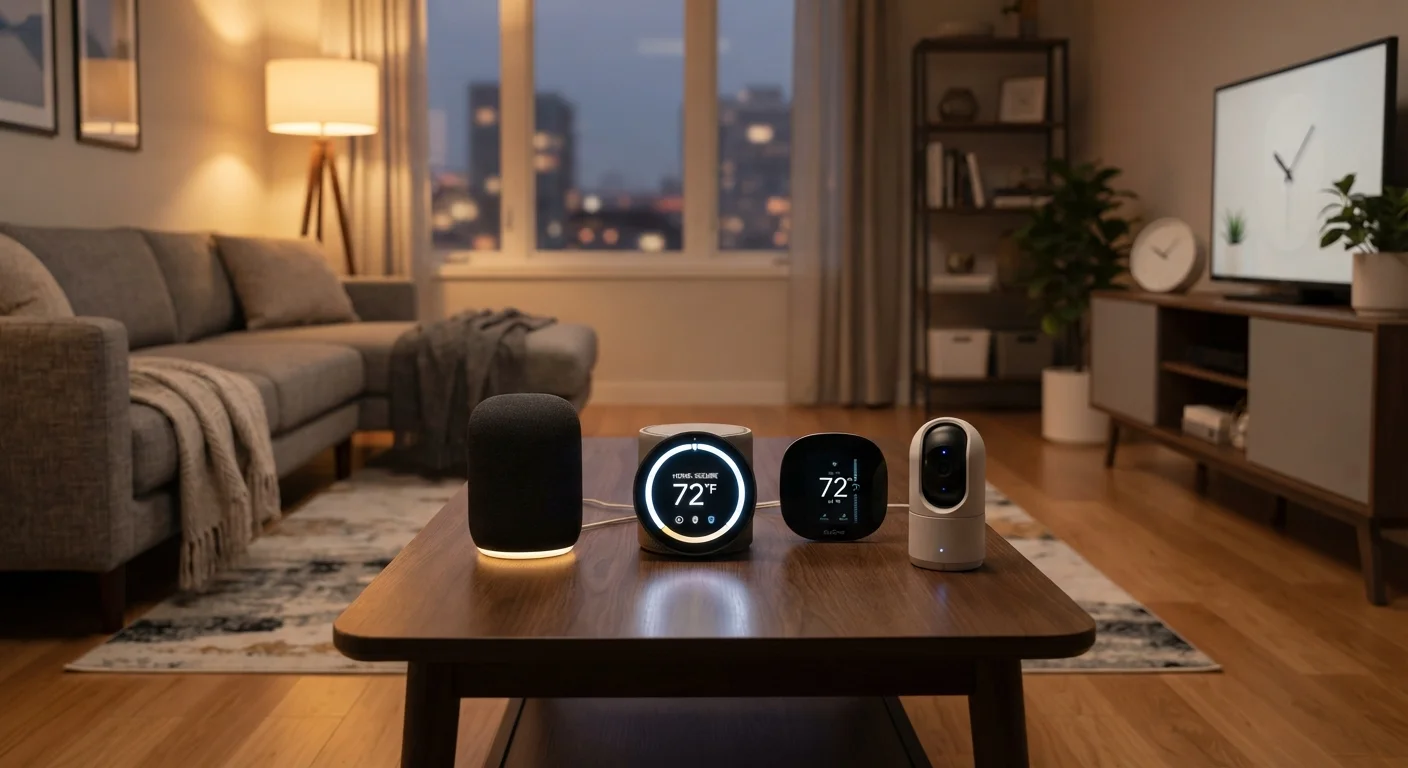
A typical connected home today might include a smart thermostat, video doorbell, robot vacuum, smart speaker, and a handful of smart bulbs - each running its own firmware, connecting to its own cloud service, and managed through its own app. That fragmentation is what makes smart home security genuinely different from securing a laptop or phone.
Each device is a potential entry point. Attackers who compromise a poorly secured smart plug aren't after your lighting schedule - they're after a foothold on your network. Understanding how your devices connect to the internet is a useful first step in knowing where your exposure lies.
Isolate smart home devices on a dedicated IoT or guest network.
Network segmentation prevents a compromised device from becoming a gateway to computers or phones that hold sensitive data. Most consumer routers support a guest network that accomplishes this without requiring advanced configuration.
Enable automatic firmware updates on every device that supports it, and check manually for devices that do not.
Firmware updates patch security vulnerabilities that attackers actively target. Unpatched devices running outdated firmware are disproportionately represented in reported smart home compromises.
Use a unique, strong password for every device app and linked account, and enable two-factor authentication wherever available.
Password reuse means a single breach at any service can unlock your entire smart home ecosystem. Two-factor authentication prevents access even when a password is known.
Regularly audit and remove unused third-party integrations, old device accounts, and forgotten app permissions.
Dormant integrations and orphaned accounts accumulate over time and represent exposure that's easy to eliminate. Attackers can exploit permissions granted to apps you no longer use.
Change default administrator credentials on your router immediately after setup.
Default router usernames and passwords are publicly documented online. Leaving them unchanged is one of the most common and easily exploited vulnerabilities in home networks.
Network Hygiene: The Structural Foundation
The single most impactful structural change most households can make is network segmentation - placing smart home devices on a separate Wi-Fi network from computers and phones. Most modern routers support a guest network or a dedicated VLAN (Virtual Local Area Network) that keeps IoT traffic isolated. If a device is compromised, the attacker cannot easily pivot to a machine that holds sensitive data.
Before expanding your setup, the home network readiness checklist is worth reviewing to confirm your router and security settings are in good shape. Also change your router's default administrator username and password - these defaults are publicly documented and among the first credentials attackers try.
57%
IoT devices vulnerable to medium- or high-severity attacks
According to a Palo Alto Networks Unit 42 report, more than half of IoT devices in monitored environments were found vulnerable due to unpatched firmware or weak credentials.
83%
IoT device communications that are unencrypted
Palo Alto Networks research found that the majority of IoT device traffic is sent in plain text, making network segmentation a critical protective measure.
Firmware, Accounts, and Access Controls
Firmware updates are the security equivalent of patching a known hole in your wall. Device manufacturers routinely release updates that fix discovered vulnerabilities, but most smart home devices do not update automatically unless you configure them to do so. Make checking for firmware updates a quarterly habit at minimum.
Account hygiene matters equally. Use a unique, strong password for every device app and the accounts tied to your smart home ecosystem. Reusing a password means one breach cascades across your entire setup. Enable two-factor authentication (2FA) wherever it is offered - this requires a second verification step even if a password is stolen.
Audit your connected accounts periodically. Remove third-party integrations you no longer use, revoke access for old devices, and delete accounts associated with devices you've replaced. These dormant connections are easy to forget and represent genuine exposure.
Make Firmware Checks a Household Routine
Treat firmware updates the way you treat smoke detector tests - schedule them. A quarterly check takes fewer than 15 minutes and is one of the highest-return security habits available. Some platforms consolidate update notifications in a single dashboard, which makes this easier to manage across many devices.
Quick Actions You Can Take Today
Security doesn't require a complete overhaul to become meaningfully stronger. A few targeted actions - taken in an afternoon - can close the most commonly exploited gaps. The same principles that apply to smartphones apply here: our coverage of mobile security habits shows how access controls and account hygiene scale across device types.
For households with physical security devices like smart locks and cameras, the room-by-room smart home security guide covers what each device category requires from a security standpoint. Treating security as a periodic maintenance task - rather than a one-time setup step - is what keeps a connected home genuinely protected over time.
The content on this site is for informational purposes only and is not a substitute for professional advice. Always consult a qualified professional for guidance specific to your situation.