

Why Mobile Security Is Worth Your Attention
Your smartphone holds more sensitive personal data than most people realize - banking credentials, health app records, private messages, stored passwords, and location history are all accessible from a single device you carry everywhere. Unlike a home computer, your phone is routinely taken into public spaces, connected to unfamiliar networks, and occasionally left unattended.
The good news is that most threats to mobile data aren't sophisticated hacks targeting you specifically. They're opportunistic - taking advantage of weak defaults, ignored permission settings, or outdated software. Building a few deliberate habits closes the majority of those gaps without requiring technical expertise.
If you're setting up a device for the first time, the first-week smartphone guide covers foundational account and storage decisions worth pairing with these security practices.
80%+
Of breaches involving stolen or weak credentials
Verizon's Data Breach Investigations Report has consistently found that the majority of hacking-related breaches exploit compromised or weak passwords - reinforcing why strong authentication matters.
3 in 10
Adults who skip software updates regularly
Surveys by cybersecurity organizations have found that a significant share of users delay or ignore available security updates, leaving known vulnerabilities unpatched on active devices.
Core Security Habits That Make a Real Difference
The practices below address the most common ways mobile data gets exposed. None require advanced technical knowledge - they're configuration choices and usage patterns any smartphone owner can adopt.
Use a strong alphanumeric PIN or passphrase instead of a short numeric code
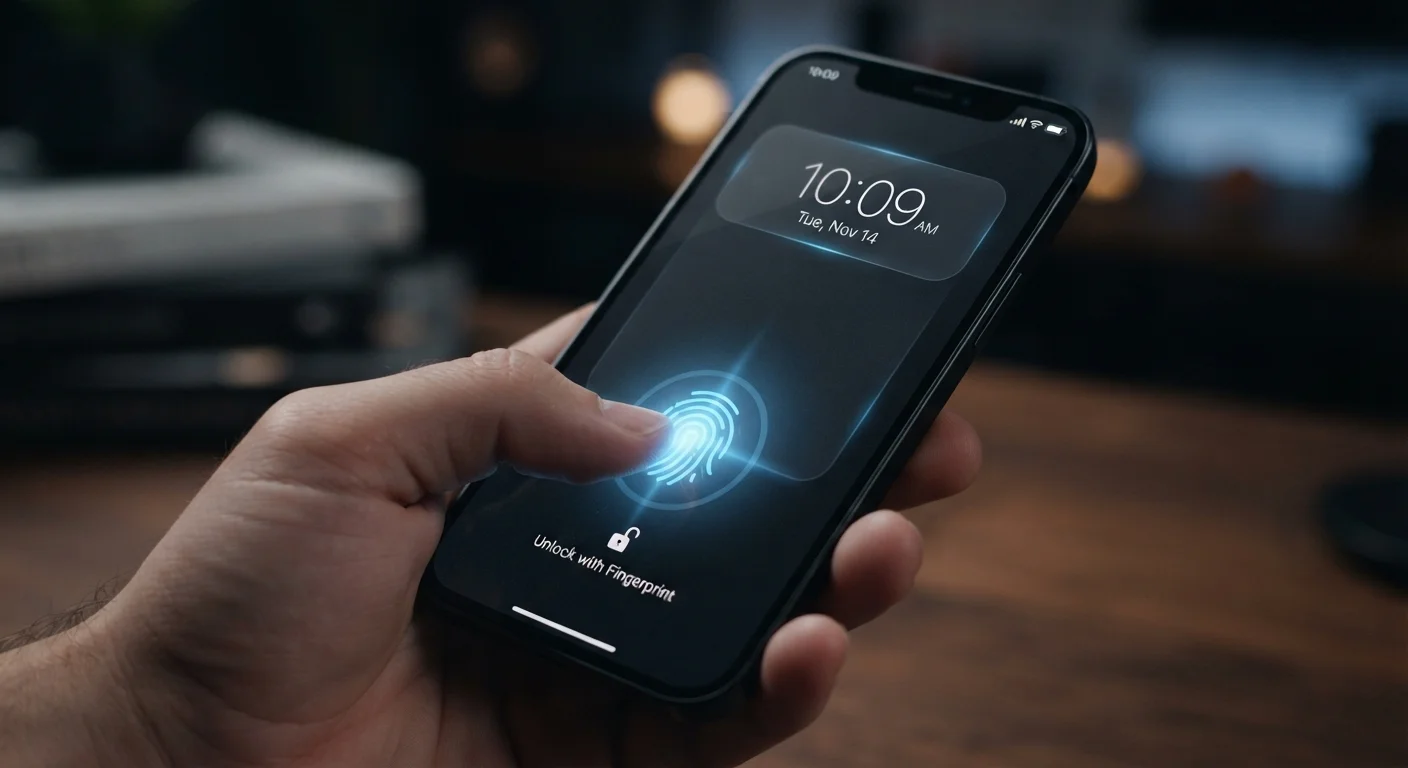
A six-digit PIN has one million possible combinations, which sounds like a lot until automated tools can cycle through thousands per second if a device's limit on attempts is bypassed. An alphanumeric passphrase - even a short, memorable one - expands the possibility space dramatically. Biometrics like fingerprint or face unlock are convenient and acceptable as a secondary method, but the underlying passcode is what protects you when biometrics fail or are legally compelled.
Audit app permissions every few months and revoke what isn't needed
Apps frequently request access to your microphone, camera, contacts, location, and photos during installation - often without a clear need. Permissions granted once stay active until you change them. Over time, you may accumulate dozens of apps with broad access to sensitive device functions they rarely or never use for their core purpose.
Enable two-factor authentication (2FA) on every account that supports it
Passwords alone are vulnerable - they can be reused across sites, exposed in data breaches, or phished. Two-factor authentication (2FA) requires a second verification step, typically a temporary code sent to your phone or generated by an authenticator app, before granting account access. Even if your password is compromised, an attacker can't log in without that second factor.
Install operating system and app updates promptly
Security updates patch specific, documented vulnerabilities that researchers and attackers have both identified. When an update is available and you delay installing it, you're knowingly operating with a known gap. Most mobile operating systems now allow automatic security updates to be enabled separately from feature updates, so you can stay patched without disrupting your workflow.
Avoid using public Wi-Fi for sensitive tasks without a VPN
Public Wi-Fi networks - at coffee shops, airports, or hotels - are often unencrypted and shared with strangers. On an unprotected network, it's possible for others on the same connection to intercept data transmitted without encryption. A virtual private network (VPN) encrypts your traffic before it leaves your device, making it unreadable even if intercepted.
Be selective about which apps you install and where you get them from
Malicious apps occasionally appear even in official app stores, but the risk is substantially higher with apps downloaded from unofficial sources. Apps can carry malware, spyware, or aggressive data collection that's buried in terms of service few users read. Sticking to apps with a substantial user base, clear developer information, and a credible purpose reduces exposure.
Quick Actions You Can Take Today
You don't need to overhaul everything at once. Starting with the highest-impact changes will put you in a meaningfully stronger position within minutes.
For broader device hygiene - including what to do before handing a phone to someone else - the phone trade-in checklist walks through account sign-outs and data removal steps that also apply to lost or stolen devices.
Mobile security shares common ground with computer security. If you use a laptop or desktop at home, the home computer security baseline covers the same principles applied to a different context.
Security and Battery Life Sometimes Interact
Some security features - like keeping Bluetooth off when not in use or limiting background app refresh - can also benefit battery performance. If your phone drains faster than expected, the battery drain guide covers what's consuming power and how to address it, with some overlap in permission and background access settings.
The content on this site is for informational purposes only and is not a substitute for professional advice. Always consult a qualified professional for guidance specific to your situation.