

Our Verdict
Wi-Fi-only tablets are the practical choice for most users who primarily use their device at home, at work, or in locations with reliable wireless networks. Cellular models justify their higher cost and ongoing fees only when consistent, independent internet access away from Wi-Fi is a genuine, recurring need - not just a theoretical one.
| Best for | Recommended |
|---|---|
| Home, office, or café users with reliable Wi-Fi | Wi-Fi-Only |
| Frequent travelers or commuters without a smartphone hotspot | Cellular |
| Field professionals needing independent connectivity | Cellular |
| Budget-conscious users or those with a capable smartphone | Wi-Fi-Only |
What Actually Separates These Two Tablet Types
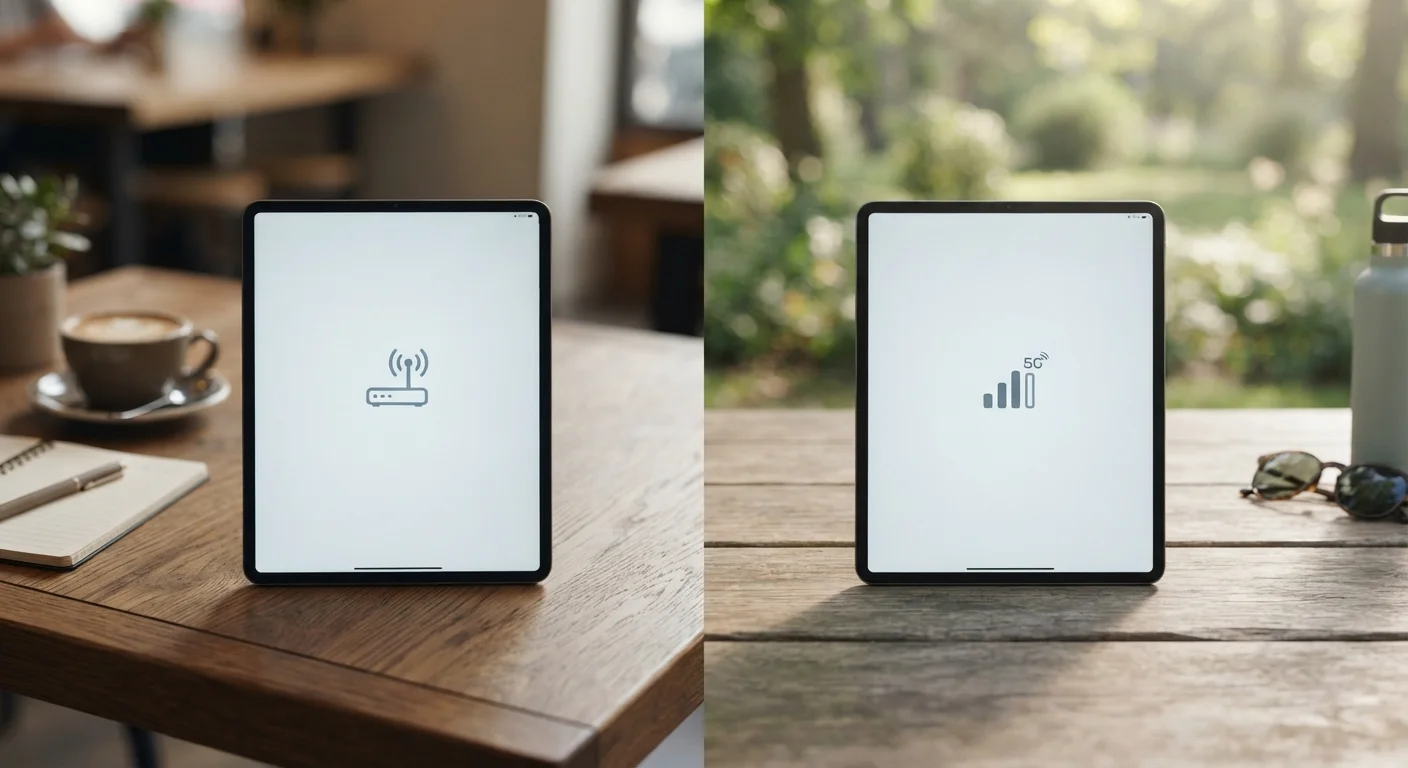
A cellular tablet contains a built-in radio modem - the same fundamental technology in your smartphone - that connects to carrier networks (4G LTE or 5G). A Wi-Fi-only tablet lacks that hardware entirely. It can only access the internet through a wireless local area network, whether that's your home router, a public hotspot, or a tethered connection from another device.
That hardware difference drives everything else: the upfront price gap (typically $100-$150 more for cellular versions of the same model), the need for a SIM card or eSIM, and the carrier data plan that comes with it. Cellular tablets generally don't require their own voice plan - they're data-only - but that data plan adds a recurring monthly cost that compounds over the life of the device.
It's worth noting that cellular capability doesn't replace Wi-Fi. A cellular tablet will still connect to Wi-Fi when available, and most users rely on Wi-Fi by default to avoid eating into their data allowance.
The Case for Wi-Fi-Only
For the majority of tablet users, Wi-Fi-only is the more sensible configuration. Consider where you actually use a tablet: on the couch, at a kitchen counter, in a hotel room, at a coffee shop. All of those locations typically offer Wi-Fi. Tablets aren't as portable as phones - you're less likely to be browsing hands-free on a crowded subway or pulling one out at a stoplight.
The savings are real and ongoing. Avoiding a carrier data plan can mean $10-$30 per month depending on your plan tier, which adds up to hundreds of dollars over two or three years. Those savings can offset the cost of the device itself.
Smartphone tethering - using your phone's cellular connection to create a personal hotspot for the tablet - fills in most gaps. If you're already paying for a smartphone plan with sufficient data, this option often costs nothing extra and works well for occasional use outside the home. The trade-offs are modest battery drain on your phone and a slight increase in latency.
Audit Your Actual Usage Before Deciding
Before paying for cellular capability, track where you use your tablet over two typical weeks. If you're almost always near Wi-Fi - including at work and while traveling - hotspotting from your phone will likely cover your gaps without added expense. Cellular tends to earn its keep only when that need is frequent and recurring, not occasional.
See our realistic look at tablet trade-offs if you're also weighing whether a tablet can serve as your primary computing device.
When Cellular Connectivity Is Worth It
Cellular makes genuine sense in specific, recurring scenarios. If your job takes you into environments where smartphone tethering is inconvenient or impractical - construction sites, healthcare settings, field research - having independent connectivity built into the tablet simplifies your workflow. The same applies to frequent flyers who use tablets heavily during travel and find hotspotting from a phone unreliable or awkward.
Cellular is also worth considering for people in regions where home broadband is inconsistent. A tablet on a cellular plan can serve as a reliable fallback - or even a primary connection - in areas underserved by traditional ISPs.
Children's tablets present another case: parents who want a tablet to function independently without handing over phone-hotspot access may find cellular plans offer a cleaner solution, particularly for supervised use during travel.
| Wi-Fi-Only | Cellular | |
|---|---|---|
| Upfront cost | Lower (no modem hardware) | Higher by ~$100-$150 |
| Monthly recurring cost | None beyond device | $10-$30/month for data plan |
| Connectivity independence | Requires available network | Works wherever carrier has signal |
| Hotspot dependency | Relies on phone or router | None required |
| Best environment | Home, office, urban areas | Travel, fieldwork, rural gaps |
| Setup complexity | Simple, no carrier setup | Requires SIM/eSIM and plan activation |
| Emergency backup connectivity | No independent fallback | Functional if carrier network is up |
One often-overlooked factor: emergency preparedness. A cellular-capable tablet can maintain connectivity during power outages or router failures, as long as the device itself is charged and the carrier network is operational. Whether that redundancy justifies the cost is a personal calculation.
Understanding the True Cost Difference
The price gap isn't just the device. Run the numbers across a realistic ownership period:
- Device premium: Roughly $100-$150 more for a cellular model upfront.
- Carrier plan: Data-only tablet plans typically run $10-$30/month, depending on carrier and data tier. Over 24 months, that's $240-$720.
- Total added cost over two years: Potentially $350-$870 compared to a Wi-Fi-only setup with smartphone hotspotting.
That math doesn't mean cellular is never worth it - it means the value has to come from genuine utility. If cellular connectivity saves you time, enables work, or replaces a separate mobile broadband device, the economics shift.
Some carriers allow a tablet to be added to an existing smartphone plan under a shared data arrangement, which reduces - but doesn't eliminate - the recurring cost. Check whether your current plan includes multi-device options before assuming you'd need a standalone plan.
The content on this site is for informational purposes only and is not a substitute for professional advice. Always consult a qualified professional for guidance specific to your situation.